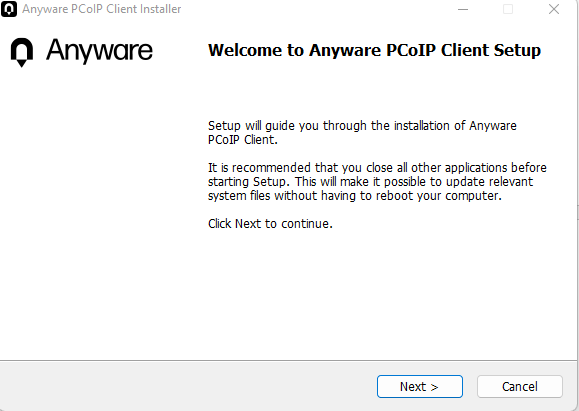
1. Download the installer from the link above. Run pcoip-client_25.10.2.exeand follow the installation steps.
2. OpentheAnywherePCoIPClientProgram&locateto the ‘AddConnection‘ option.
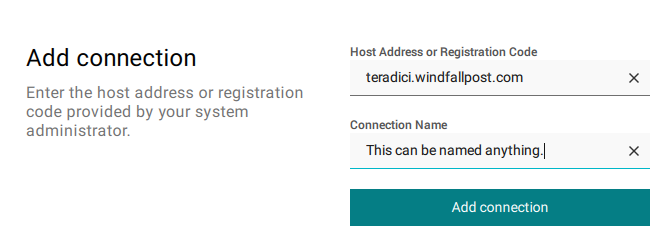
3. Locate back to the PCoIP Client. You can now enter the Hostname teradici.windfallpost.com. You can name the connection anything you’d like – usually the edit crate you are on. (This is for your benefit)
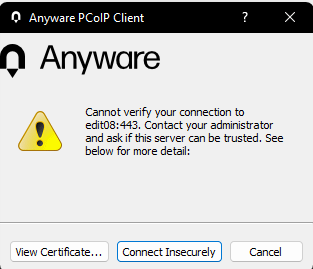
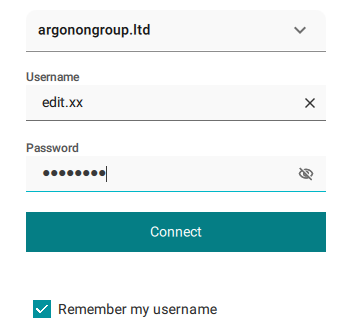
4. Once youhaveaddedtheconnection, youcan clickon theconnectionunder whatevernameyouwrote.
OPTIONAL– If the broker (teradici.windfallpost.com) doesn’t work, you can download the VPN and connect with the Hostname that correspondes to the machine you are on (without a dot). An example of this for Edit 7 would beedit07.