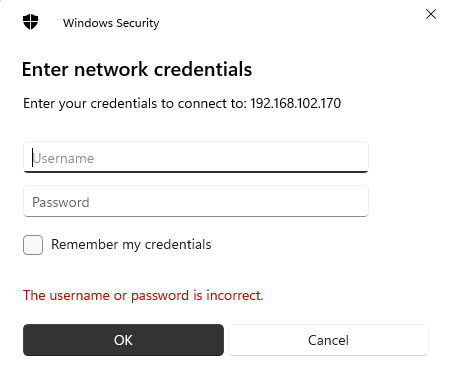
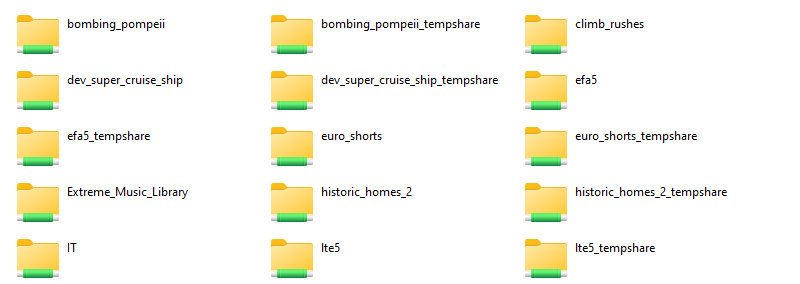
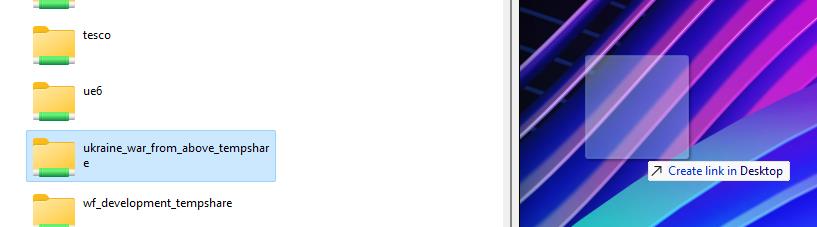
Posted on 31 May 20234 December 2023 by Tommy BowersHow to connect to Tempshare on Windows You’ll need to make sure you are connected to the VPN first. This can be done with this guide: VPN for Windows 1. Open the File Explorer and in the Server field (Fig A) type the relevant server address.The address will be: \\postsan1Alternatively, you can use the numbered IP: \\192.168.102.170 2. Press Enter and a prompt will appear to enter credentials. This will either be the edit credentials or your own Windfall credentials (for EP’s)An example of this would be:Username: edit.07 (EP’s would use firstname.lastname instead) Password: Hello World (EP’s would use their Windfall password) 3. Select production_name_tempshare from the list to open the folder. Optional – How to create a shortcut to the server on your desktop:• Drag the Tempshare folder to the desktop which will create a shortcut. You are now connected to the Tempshare on Windows.